
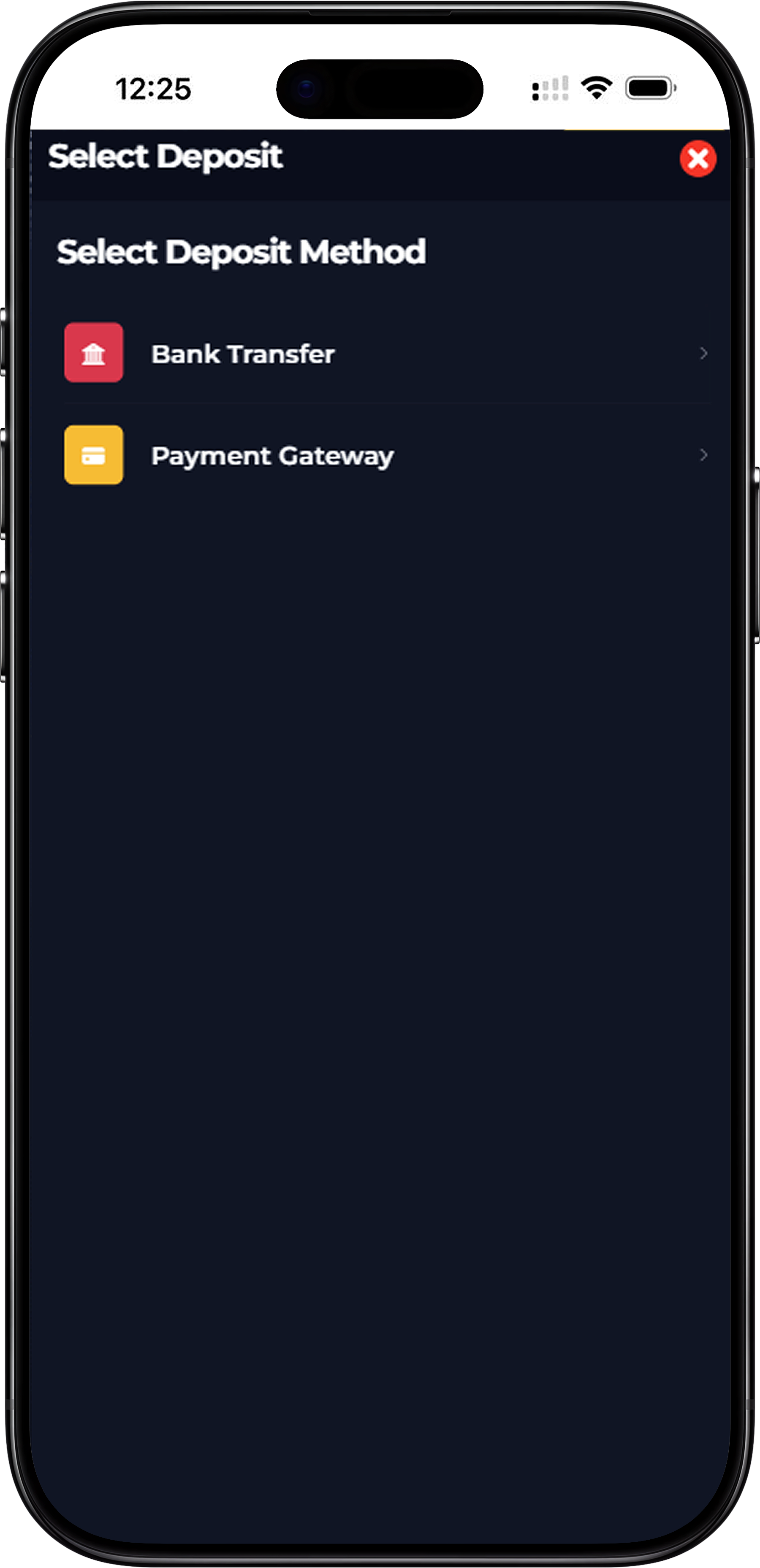
KUAT BOX offers two primary deposit methods to ensure every member can top up their account quickly and conveniently. You can choose between Bank Transfer for direct manual transfers, or Payment Gateway for instant online banking and eWallet transactions. Both methods are secure, straightforward, and designed to get your funds into your account as fast as possible so you can start playing without delay.
How to Deposit via Bank Transfer on KUAT BOX
Step 1 – Select Bank Transfer as Your Deposit Method
From the deposit screen, tap Bank Transfer to proceed with a manual transfer. This method is suitable for members who prefer to transfer funds directly from their personal bank account to KUAT BOX's designated bank accounts.
Step 2 – Enter Your Deposit Amount
Key in the amount you wish to deposit or select one of the quick amount options available — RM30, RM50, RM100, or RM200. The minimum deposit via Bank Transfer is RM30. You can also type in a custom amount if your intended deposit falls outside the preset options.
Step 3 – Choose Your Bank
KUAT BOX currently supports deposits via Maybank and RHB Bank. Select your preferred bank from the available options displayed on screen. The account number and account name will be shown for you to copy and use when making your transfer.
Step 4 – Select Your Payment Method
Under Payment Method, choose the transfer type that matches how you are sending the funds. The available options are Online Transfer, Cash Deposit Machine (CDM), and ATM Transfer. Select the method that corresponds to how you are completing the bank transaction.
Step 5 – Upload Your Bank Slip
After completing your transfer, take a screenshot or photo of your bank transfer receipt and upload it using the Upload Bankslip button. This step is required for KUAT BOX to verify and process your deposit. Make sure the slip clearly shows the transfer amount, date, and reference number.
Step 6 – Choose a Bonus and Submit
Before submitting, you have the option to select a bonus to apply to your deposit. If you do not wish to apply a bonus, select No Bonus which carries a 1x turnover requirement. Once everything is filled in correctly, tap Submit to complete your deposit request.
How to Deposit via Payment Gateway on KUAT BOX
Step 1 – Select Payment Gateway as Your Deposit Method
From the deposit screen, tap Payment Gateway to proceed with an instant online payment. This method processes deposits in real time and is ideal for members who want their funds credited to their account as quickly as possible without the need to manually upload a bank slip.
Step 2 – Choose Online Banking or eWallet
After selecting Payment Gateway, you will be presented with two options — Online Banking or eWallet. Choose the method that suits you best based on your preferred payment tool.
Step 3A – Deposit via Online Banking
If you select Online Banking, enter your deposit amount and choose a bonus if applicable, then tap Submit. You will be directed to a secure payment page powered by a third-party payment provider where you can select your bank. Supported banks include Public Bank, CIMB Bank, RHB Bank, AM Bank, Hong Leong Bank, Bank Simpanan Nasional (BSN), Alliance Bank, and Affin Bank. Select your bank, complete the login and authorization steps, and your deposit will be credited to your KUAT BOX account instantly upon successful payment.
Step 3B – Deposit via eWallet
If you select eWallet, you will be directed to a payment screen where you can choose from Touch 'n Go eWallet, GrabPay, or Boost. Select your preferred eWallet, confirm the payment amount, and authorize the transaction through your eWallet app. Your KUAT BOX account will be credited immediately once the payment is confirmed. eWallet deposits are among the fastest deposit methods available on KUAT BOX, with most transactions completing in under one minute.
Frequently Asked Questions About KUAT BOX Deposits
What Is the Minimum Deposit Amount on KUAT BOX?
The minimum deposit amount on KUAT BOX is RM30 for both Bank Transfer and Payment Gateway methods. Quick-select preset amounts of RM30, RM50, RM100, and RM200 are available for convenience, or you may enter a custom amount above the minimum threshold.
How Long Does a Deposit Take to Be Credited?
Deposits made via Payment Gateway through Online Banking or eWallet are typically credited to your KUAT BOX account instantly upon payment confirmation. Deposits made via Bank Transfer may take slightly longer depending on your bank's processing time and the speed at which your bank slip is verified by the KUAT BOX team.
Do I Need to Upload a Bank Slip for Every Deposit?
A bank slip upload is required only for Bank Transfer deposits. When you deposit via Payment Gateway using Online Banking or eWallet, the transaction is processed automatically and no bank slip is needed. The payment gateway handles verification in real time, making it the most seamless deposit experience on KUAT BOX.
Ready to Top Up Your KUAT BOX Account?
Choose your preferred deposit method, enter your amount, and get your funds credited in minutes. With multiple banking and eWallet options supported, topping up on KUAT BOX has never been easier or more convenient.
Deposit Now